

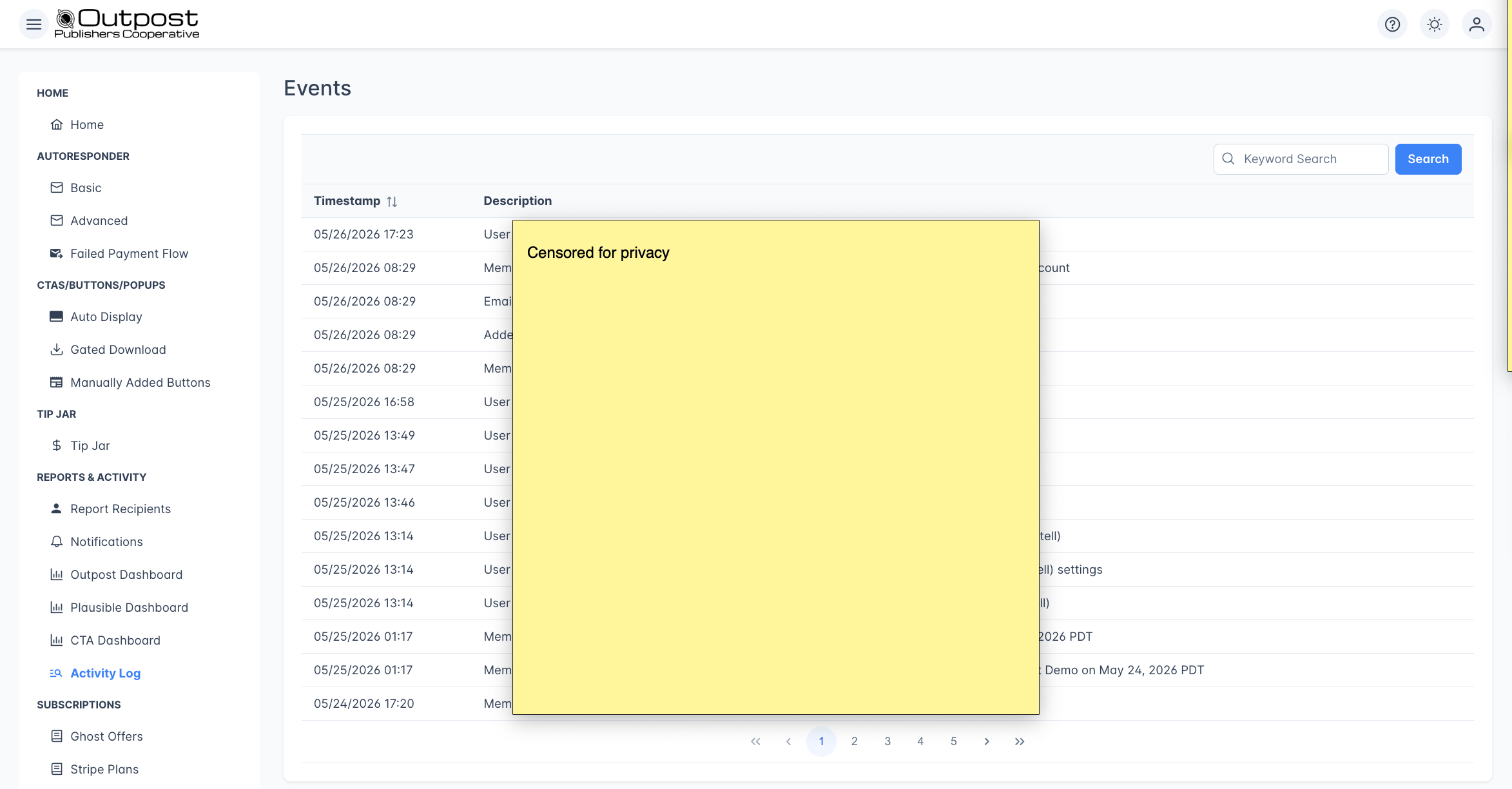
The events table
The Activity Log displays events in a paginated table, sorted newest first:
The table loads 15 events per page. Use the page controls at the bottom to navigate through your event history, or the search at the top:
Searching events

- An email address (e.g.,
john@example.com) - An action type (e.g.,
subscribed,cancelled,payment) - A tier name or other detail mentioned in event descriptions
Event types
The Activity Log captures events across all areas of your publication:
A move from monthly to annual billing is not recorded as an upgrade when the member’s tier or offer is one you have set up for group subscriptions. That applies whenever the change happens, not only at the moment someone buys a group.
Link clicks are recorded for every tracked link in an email, whether or not the email includes an offer. Each entry names the member, then reads “clicked a link in email” followed by the email’s subject.
Each entry stores its description as it was worded when the event happened. If we later change that wording, only new entries use it, so the same kind of event can read two ways in a long list of results.
Data retention
Events in the Activity Log are kept for 180 days. After that, they are no longer searchable in the Activity Log. Two event types (gated PDF downloads and completed donation checkouts) are kept indefinitely.Use cases
- Debug a member issue: Search for the member’s email to see their complete event history
- Audit a bulk action: Find exactly which members were affected and when
- Verify email delivery: Confirm a specific email was sent and whether it was opened
- Track subscription changes: See when a member upgraded, downgraded, or cancelled
Not every cancellation is recorded at the moment it happens. A cancellation made while a renewal payment is overdue leaves no entry at the time, cancellations by members on an institutional subscription or a shared company account are not recorded, and a cancellation on an unusual billing interval may also be missed. In every case an entry appears when the subscription actually ends, and Stripe holds the complete record.
Related features
Outpost Dashboard
Member growth charts and reporting with time-period filters.
Notifications
Choose which events trigger email alerts to your team.
Members
View and manage your full member list.
Data Export
Export your member list or filtered segments to CSV.
FAQ
How far back does the Activity Log go?
How far back does the Activity Log go?
The Activity Log keeps events for 180 days. After that, they are no longer searchable. For permanent event storage, use the BigQuery integration to stream events to your data warehouse.
Can I filter by event type?
Can I filter by event type?
Currently, the Activity Log supports keyword search across all event types. Type a keyword like “subscribed” or “payment” in the search box to narrow results to a specific category.
Can I export the Activity Log?
Can I export the Activity Log?
The Activity Log itself isn’t exportable from the UI. For raw event data, connect BigQuery to stream events to your data warehouse.
Why don't I see recent events?
Why don't I see recent events?
Events appear in the log as they happen. Most events show up within seconds, but some (like renewals from Stripe or member updates from Ghost) may take a moment to arrive.