

Ghost hosting compatibility
Outpost works with:- Ghost (Pro): the hosting service run by the team behind Ghost. Outpost works with any Ghost (Pro) plan that supports custom integrations and theme customization.
- Magic Pages: managed Ghost hosting that supports custom integrations.
- Self-hosted Ghost or other hosting service: any server where you can access Ghost Admin → Settings → Integrations.
Outpost requires custom-integration access in Ghost. The lowest Ghost (Pro) tier doesn’t allow custom API integrations or theme customizations and won’t work with Outpost. Choose a tier that supports them.
Prerequisites
- A Ghost site on Ghost 5.x or later
- Admin access to your Ghost dashboard
Setup
The easiest way to connect is during the Outpost signup flow. The connection wizard walks you through each step. If you’re connecting after initial setup, go to Integrations and Core Connections → Core Connections in Outpost.1
Create a Ghost custom integration
In your Ghost Admin dashboard:
- Go to Settings → Advanced → Integrations
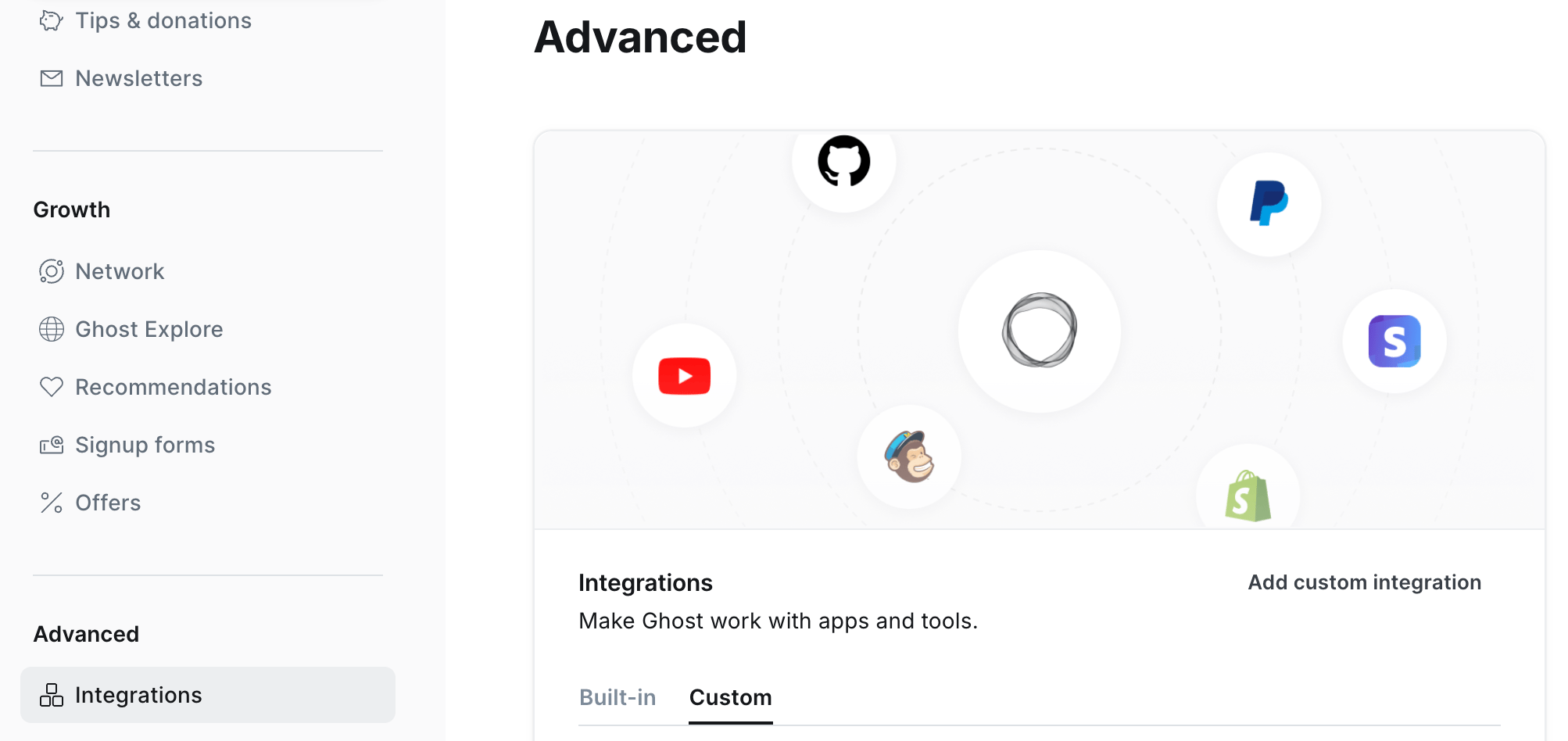
- Click Add custom integration
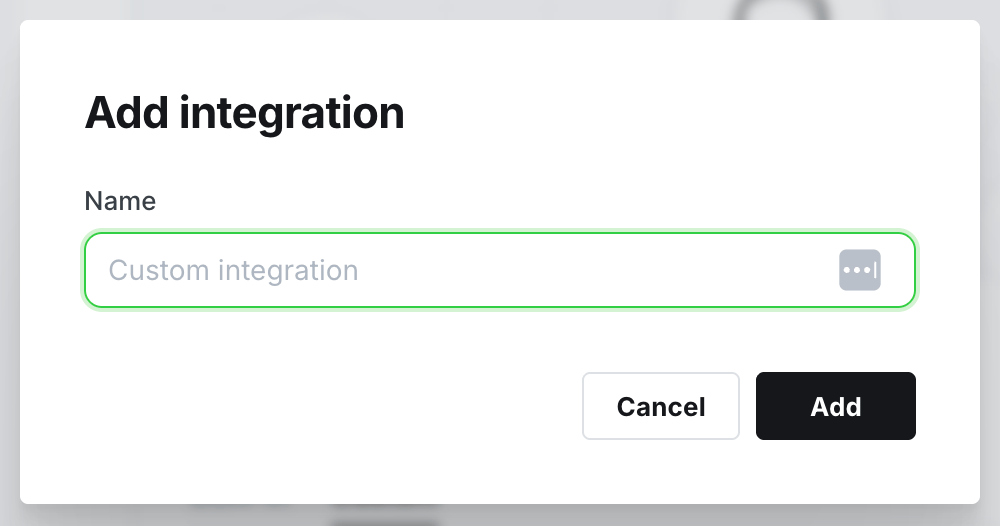
- Name it “Outpost” and click Create
- You’ll see a Content API Key, Admin API Key, and API URL
Keep this API information open in a tab or window for the next step
2
Enter your Ghost credentials in Outpost
Copy the three values from your Ghost integration into Outpost:
- Content API Key
- Admin API Key
- API URL: e.g.
https://yoursite.com
3
Check the connection
Click Check Connection. Outpost will verify it can reach your Ghost site and then:
- Set up automatic updates so member, tag, and site changes stay in sync
- Import your existing members and posts
- Sync your tiers so they’re available for segmentation and automation
You do not need to configure anything manually in Ghost after connecting. Outpost automatically sets up all the real-time updates it needs to stay in sync with your Ghost site.
How sync works
Your site’s URL, name, time zone, and site icon are read from Ghost when you run a refresh, not as they change. Go to Account → Publication Details, turn on Site settings, and click Refresh after you change any of them in Ghost. Tiers update on their own whenever Ghost reports a change to your site settings.
Your Ghost support email address comes across on the same refresh, but only while Outpost has no sending address of its own. Once you set one in Email Design Settings, that is the address Outpost uses, and a refresh leaves it as you set it.
Ghost is the source of truth for members and subscriptions. Stripe billing flows directly between Stripe and Ghost. Outpost reads that data to power automation, segmentation, and conversion tools.
Tiers
Tiers are created and managed in Ghost. Outpost reads your Ghost tiers so you can reference them in segmentation, offers, access rules, and automation triggers. To refresh tiers after making changes in Ghost, go to Account → Publication Details and click Refresh with the Site settings option checked.Troubleshooting
Members aren't appearing in Outpost
Members aren't appearing in Outpost
Go to Account → Publication Details and click Refresh with both Site settings and Site data checked, then confirm when Outpost asks. This re-reads every member, label, and tag from Ghost. It runs in the background and can take a while on a large site, and Outpost emails you when it is finished.
Changes in Ghost aren't reflected in Outpost
Changes in Ghost aren't reflected in Outpost
The connection may have been interrupted. Go to Integrations and Core Connections → Core Connections and re-save your Ghost credentials. Outpost will restore the sync automatically, including the post and page updates that site search and event listings depend on.
Access error on Ghost (Pro)
Access error on Ghost (Pro)
Outpost requires a Ghost (Pro) tier that supports custom integrations and theme customization. Check your current tier in your Ghost (Pro) account dashboard and upgrade if needed.
Where do I find my Ghost credentials?
Where do I find my Ghost credentials?
In Ghost Admin, go to Settings → Integrations → Outpost (the custom integration you created). The Content API Key, Admin API Key, and API URL are all shown there.
Related features
Ghost Integration
Full details on the Ghost integration, settings, and sync behavior.
Publication Details
Refresh Ghost data and manage site settings synced from Ghost.
Ghost Compatibility FAQ
Which Ghost versions, themes, and features Outpost works with.